Share your way
Select one app on Android 14 and newer, or mirror your full phone screen on supported Android versions.
XR display utility
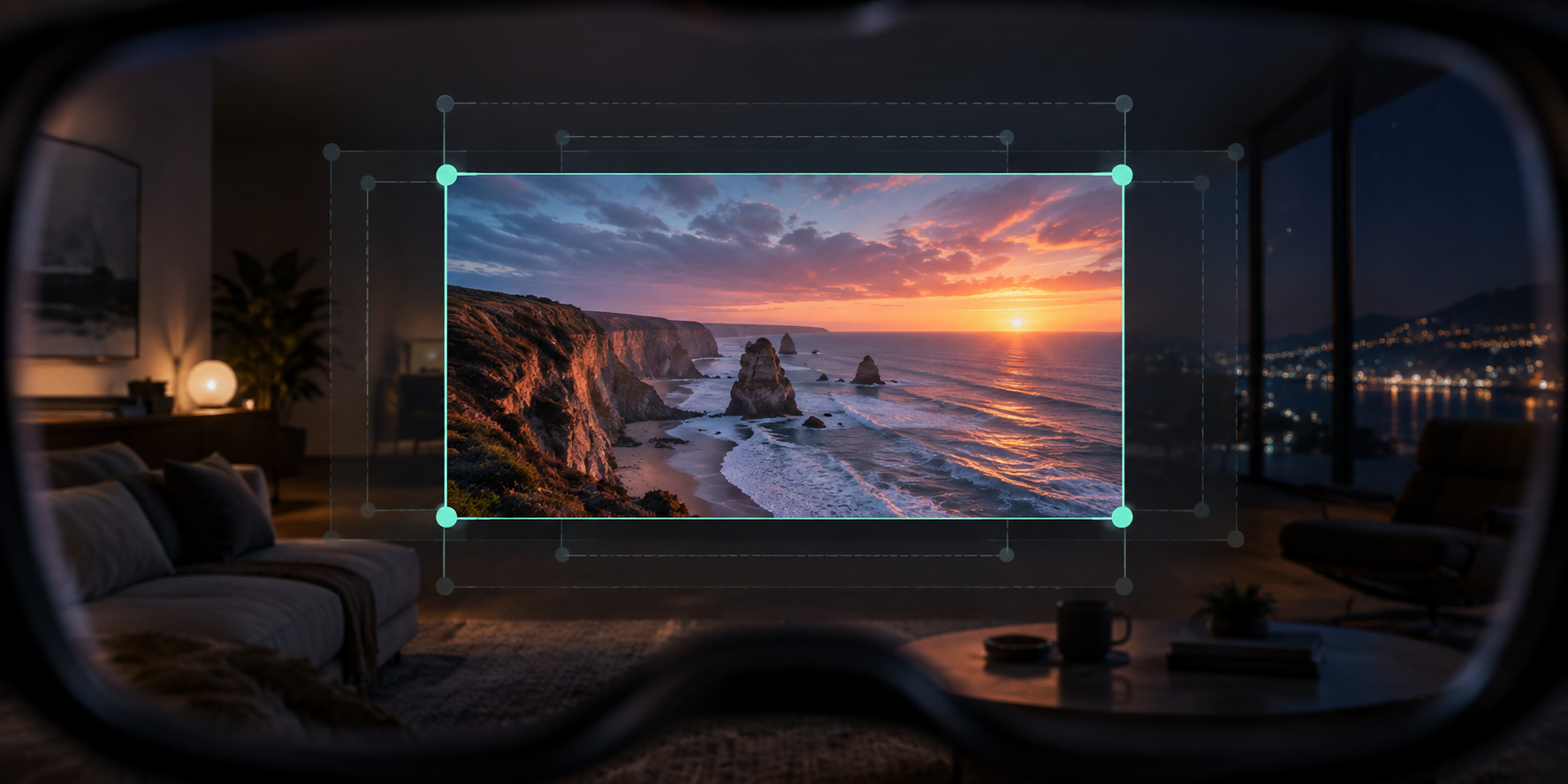
Bring an Android app or your entire phone screen into view on compatible USB-C XR glasses. Adjust the picture for comfortable viewing and keep it anchored as you move.
 XR Screen UtilityFor compatible USB-C XR glasses
Key features
Choose what to share, tune the view and use the tracking mode supported by your setup.
Select one app on Android 14 and newer, or mirror your full phone screen on supported Android versions.
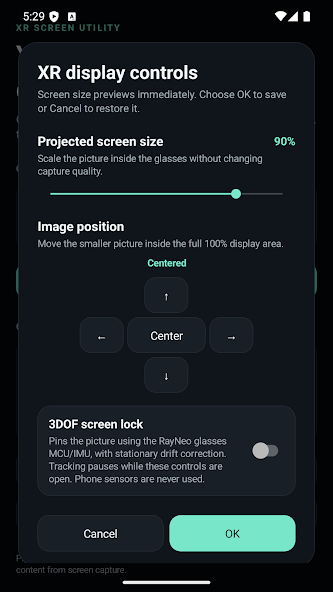
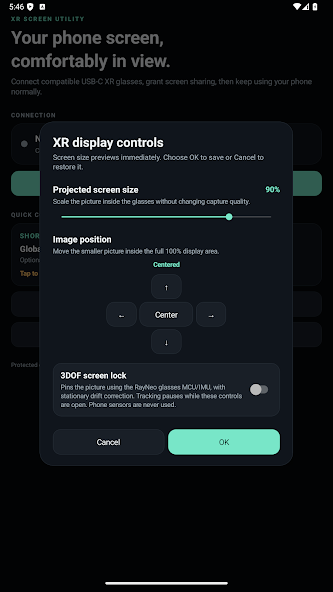
Scale the projected picture from 50% to 100%, move it in four directions and return it to center in one tap.
Keep the projected screen anchored as you turn or tilt your head using orientation data from compatible glasses.
Combine glasses orientation with temporary, on-device position tracking from your phone’s front camera.
Inside the app
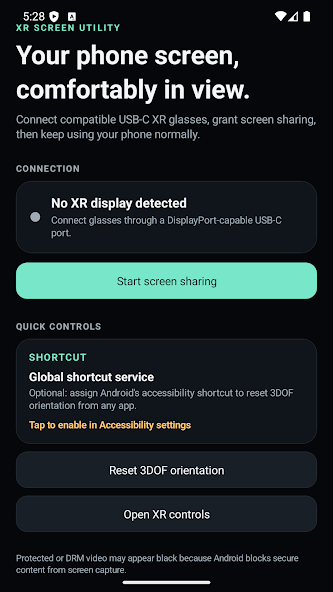
Start sharing, open the XR controls and make the display comfortable without interrupting what you are watching or doing.
Privacy by design
Screen and camera processing happens locally on your phone. XR Screen Utility does not require an internet connection and does not upload captured screen content or camera frames.